Walk into any modern quick-service restaurant today, and you're likely to encounter self-service ordering kiosks—interactive touchscreen systems where customers browse menus, customize orders, and pay without speaking to a cashier. What once seemed like a futuristic novelty has become an essential tool driving efficiency, customer satisfaction, and profitability in the QSR industry.
For restaurant owners still operating on traditional counter service, self-service kiosks represent a transformational opportunity to streamline operations, reduce labor costs, increase average order values, and deliver the frictionless ordering experience today's customers expect. Let's explore why kiosks are becoming the standard in quick-service restaurants and how to implement them successfully.
The Self-Service Kiosk Revolution
The global self-service kiosk market in restaurants is experiencing explosive growth. Industry analysts project the market will continue expanding at double-digit rates as more restaurants recognize the business benefits. But beyond the statistics, kiosks are reshaping how customers interact with restaurants.
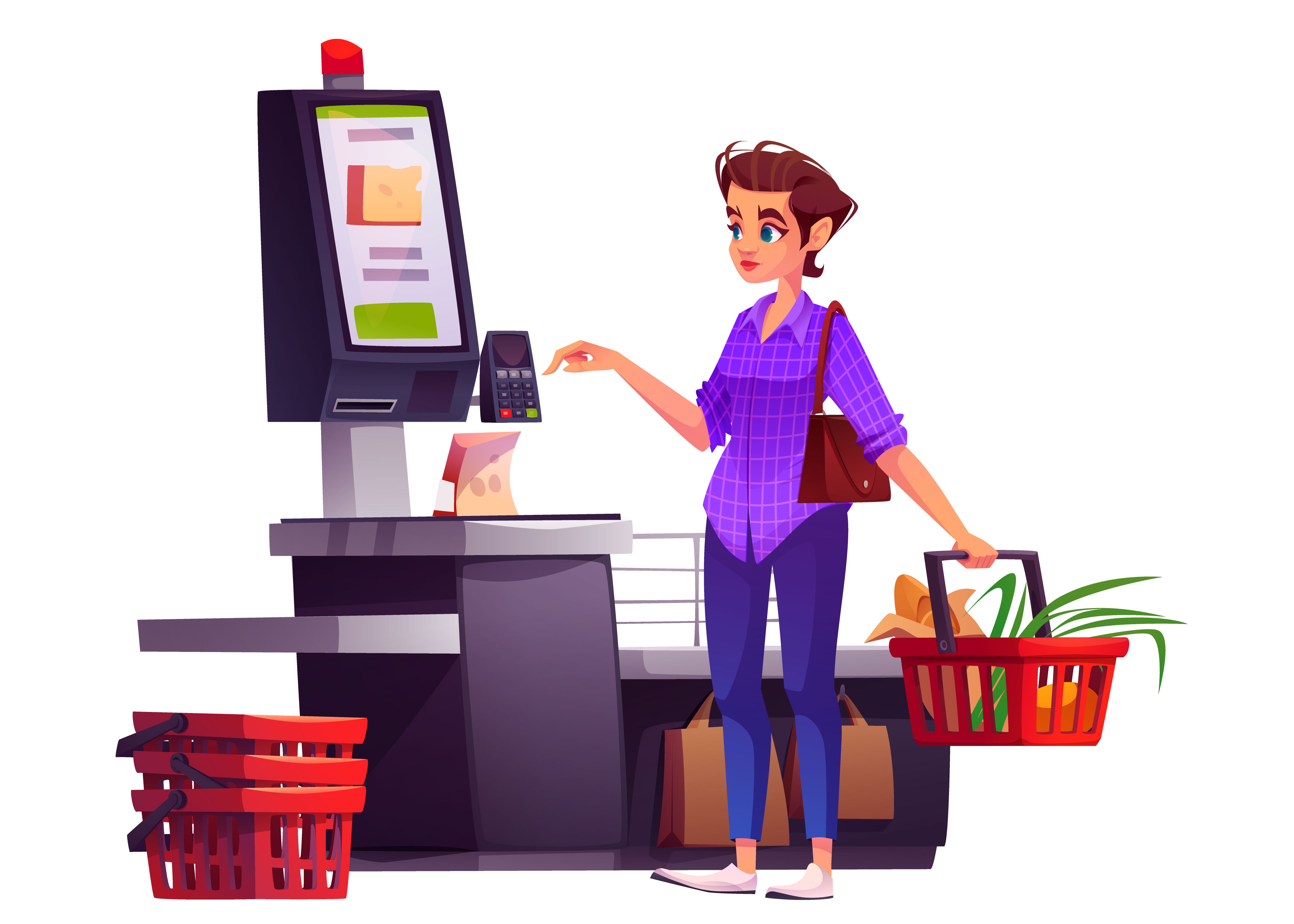
Self-service kiosks are interactive touchscreen terminals positioned in restaurants where customers can:
- Browse the complete menu with high-quality images and detailed descriptions
- Customize items with specific modifications and special requests
- View nutritional information and allergen warnings
- Add items to cart and review their order before payment
- Pay securely via card, mobile wallet, or other payment methods
- Receive order confirmation and pickup details
- Opt-in to loyalty programs and marketing communications
Unlike traditional counter ordering where staff act as intermediaries, kiosks put control directly in customers' hands, enabling them to order exactly what they want at their own pace.
Key Benefits of Self-Service Kiosks
1. Reduced Wait Times and Faster Service
In peak hours, customers waiting in line represent lost revenue and reduced satisfaction. Self-service kiosks eliminate lines by enabling multiple simultaneous orders. Rather than one cashier processing customers sequentially, 3-4 kiosks can handle the volume of one traditional counter, effectively multiplying your ordering capacity without hiring additional staff.
"Since installing kiosks, our average wait time dropped from 12 minutes to 3 minutes during lunch rush. Customer satisfaction scores increased by 28%, and we've reduced staffing needs by one full-time position." - QSR Owner
This dramatic improvement in wait times translates directly to higher customer satisfaction and increased likelihood of repeat visits.
2. Increased Order Accuracy
One of the most significant sources of customer dissatisfaction in QSRs is order errors. When customers order directly through a kiosk, their selections are captured digitally with 100% accuracy. There's no risk of mishearing, miswriting, or misinterpreting orders—the customer's order goes directly from the kiosk to the kitchen display system.
Studies show that kiosk-based ordering reduces order errors by 90% compared to verbal ordering, directly improving customer satisfaction and reducing costly remake orders.
3. Higher Average Order Value
This is perhaps the most compelling financial benefit. When customers order through kiosks, they spend significantly more than with traditional cashier ordering. Why? Several factors contribute:
- Enhanced Menu Visibility: Visual menus with appetizing food images encourage customers to explore and add items they might not have ordered verbally
- Upselling Prompts: Kiosks can intelligently suggest complementary items: "Add a drink to your order?" or "Upgrade to a large for just ₹20 more?"
- No Social Pressure: Without a cashier waiting, customers take their time to browse and decide without feeling rushed
- Impulse Purchases: Visual suggestions and special menu items displayed prominently encourage impulse additions
On average, restaurants report 15-25% increases in average order value after implementing self-service kiosks. For a restaurant with 500 daily customers averaging ₹300 per order, a 20% increase generates an additional ₹30,000 in daily revenue.
4. Reduced Labor Costs
Labor represents 25-35% of QSR operating costs. Self-service kiosks directly reduce this burden. Rather than replacing entire cashier positions (which isn't realistic for remaining services like refunds and special requests), kiosks shift staff resources from order-taking to higher-value activities like food preparation and customer service.
Most restaurants report that each kiosk can replace 0.5-0.75 FTE (full-time equivalent positions). For a location with 3-4 kiosks, this translates to 2-3 fewer staff members needed during peak hours—savings of ₹40,000-60,000+ monthly depending on local wages.
5. Better Data Collection and Insights
Every transaction through a kiosk generates valuable data: what items are ordered, when they're ordered, which upsells work, payment methods used, and customer preferences. This data enables:
- Menu optimization based on actual sales data
- Pricing strategy refinement
- Personalized marketing and targeted promotions
- Identification of peak demand times for better staffing
- Inventory forecasting and food cost optimization
6. Improved Kitchen Efficiency
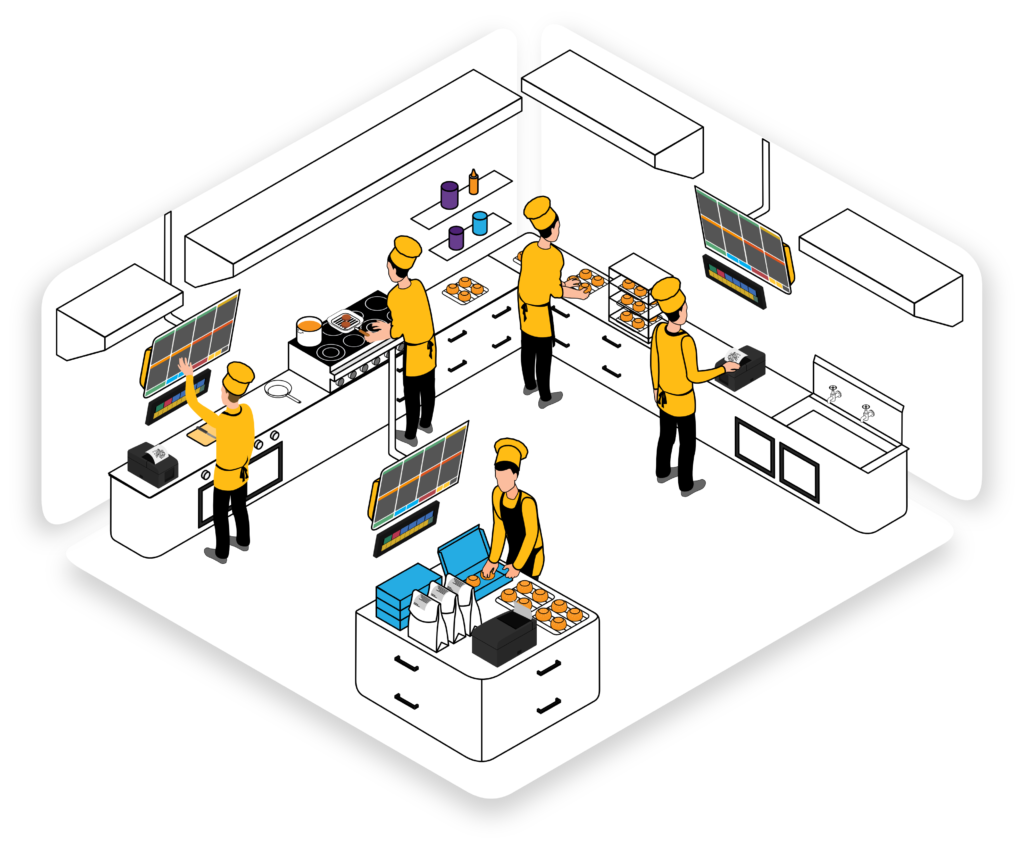
Kiosks integrate with kitchen display systems (KDS), sending orders directly to the appropriate cooking stations. This ensures kitchen staff receive orders in real-time with complete accuracy, eliminating confusion and enabling better workflow management.
7. Seamless Customer Experience
Modern consumers, especially younger demographics, prefer self-service for its control, convenience, and contactless nature. Kiosks provide the modern, technology-forward experience customers increasingly expect from restaurants.
Types of Self-Service Kiosks
Standalone Kiosk Units
These are large, permanent fixtures positioned at restaurant entrances or throughout the dining area. They feature large touchscreens (typically 32-55 inches), integrated payment terminals, and promotional displays. Standalone kiosks are ideal for high-volume locations with consistent traffic.
Wall-Mounted Kiosks
Mounted directly on walls, these space-saving units work well in restaurants with limited floor space. They function identically to standalone units but require less physical footprint.
Tablet-Based Solutions
More affordable and flexible, tablet-based ordering (iPad or Android tablets) allows customers to order from tables or anywhere in the restaurant. Popular in casual dining and dine-in establishments.
Mobile and QR Code Ordering
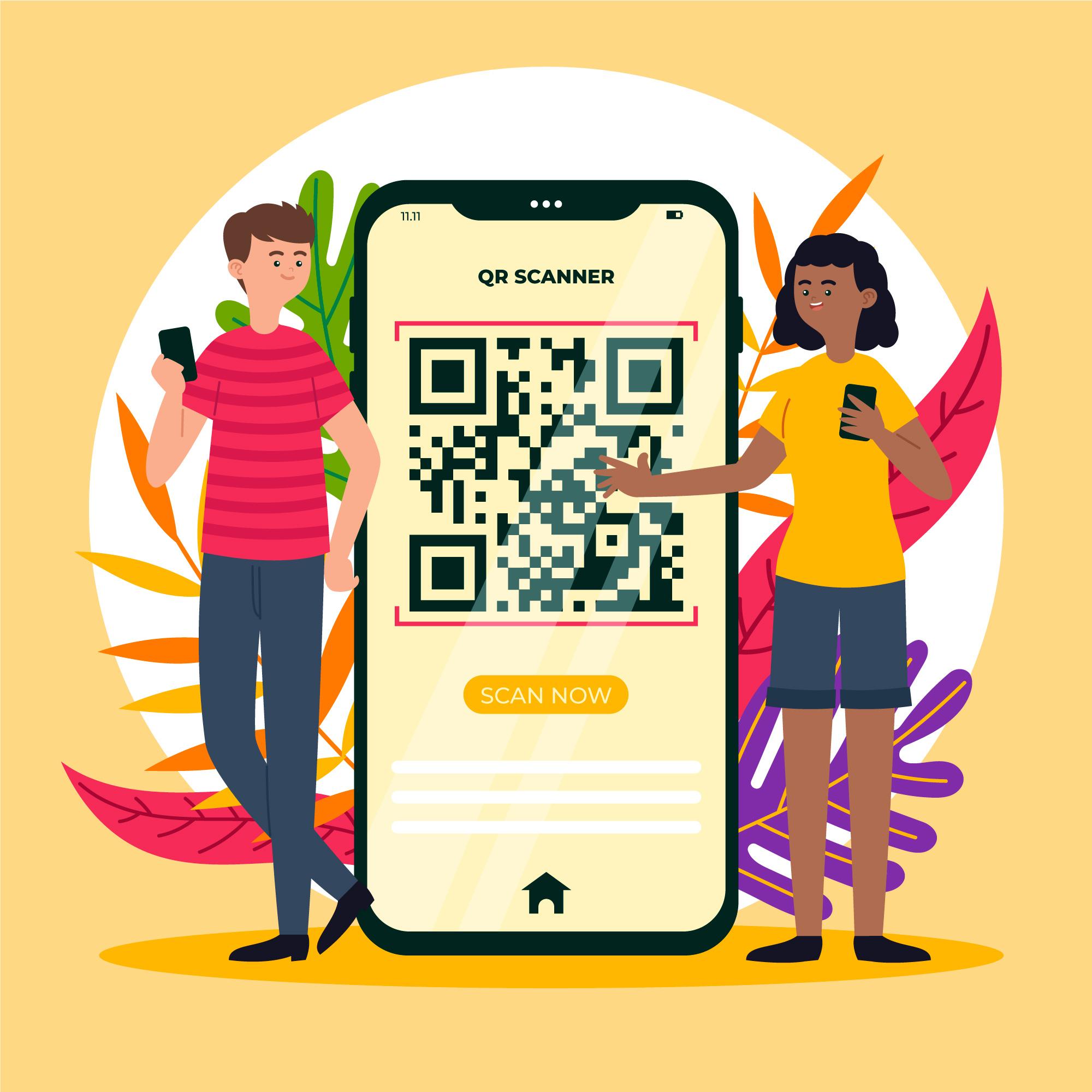
Complementing physical kiosks, mobile apps and QR code ordering allow customers to order from their smartphones anywhere in the restaurant or from outside before arrival.
Essential Features Modern Kiosks Must Have
Intuitive User Interface
The kiosk interface must be immediately understandable for users of all ages and technical abilities. Large buttons, clear categories, obvious navigation paths, and minimal steps to complete an order are critical.
High-Quality Menu Imagery
Food photography significantly influences ordering decisions. Professional, appetizing images increase both order values and customer satisfaction. This is one area where QSR leaders invest heavily.
Comprehensive Customization Options
Modern QSR customers expect to customize items extensively. Your kiosk must allow modifications for dietary restrictions, allergies, cooking preferences, and special requests.
POS and KDS Integration
Seamless integration with your POS system and kitchen display ensures orders flow smoothly from customer selection to kitchen execution with no manual intervention required.
Multiple Payment Options
Today's customers expect choice: credit/debit cards, digital wallets (Apple Pay, Google Pay), UPI, cash, and loyalty payment methods. Supporting all options minimizes friction.
Accessibility Features
Kiosks should be accessible to all customers, including those with visual or mobility impairments. This means adjustable heights, large fonts, voice guidance, and compatibility with accessibility tools.
Loyalty Program Integration
Kiosks should seamlessly integrate with your loyalty program, allowing customers to earn points, apply rewards, and see personalized offers during ordering.
Promotional Flexibility
The system must allow quick updates to promotions, pricing, and featured items without complex programming. You should be able to run "Happy Hour" specials or limited-time offers with simple dashboard changes.
Implementation Best Practices
1. Start with Strategic Placement
Don't just place kiosks randomly. Position them prominently to encourage usage—typically near the entrance or main ordering area. Ensure adequate spacing between kiosks so customers don't feel crowded. Test different layouts and monitor usage patterns to optimize placement.
2. Staff Training is Critical
Your team must understand how to help customers with kiosk navigation, troubleshoot technical issues, and smoothly handle orders. Train staff to actively guide customers to kiosks, especially during first visits. Create simple instruction cards or QR codes that provide quick-reference guidance.
3. Gradual Implementation
Don't abandon traditional ordering overnight. Run both systems simultaneously for 2-4 weeks, allowing customers to transition gradually and staff to build confidence. Monitor metrics and refine the experience before full transition.
4. Optimize Menu for Kiosk Format
What works on a paper menu doesn't always work on a kiosk. Organize items logically, use clear categorization, include prices and sizes prominently, and limit options to prevent decision paralysis. Test the menu flow with actual customers and refine based on feedback.
5. Offer Staff-Assisted Ordering
Despite promoting kiosks, staff should remain available to assist customers who prefer verbal ordering or need help. This ensures no customer feels excluded or frustrated by the technology change.
6. Ensure Reliable Technical Support
Establish relationships with vendors for rapid technical support. A broken kiosk during peak hours can significantly impact operations. Have backup plans and redundancy for critical components.
7. Monitor and Optimize Continuously
Track kiosk usage patterns, conversion rates, average order values, and customer feedback. Use this data to refine menus, placement, promotions, and user interface design. The most successful implementations continually evolve based on real-world data.
Transform Your QSR with Self-Service Solutions
Discover how Restomate's integrated kiosk system can boost efficiency, increase order values, and enhance customer experience
Book a DemoOvercoming Implementation Challenges
Customer Resistance
Some customers, particularly older demographics, may prefer human interaction. Address this by offering staff assistance at kiosks, maintaining traditional ordering options, and training staff to warmly guide customers through the technology. Frame kiosks as convenience enhancements, not replacements for service.
Technical Failures
Technology isn't 100% reliable. Plan for failures by maintaining backup ordering methods, ensuring staff can manually input orders if needed, and establishing rapid vendor response SLAs. Cloud-based systems with offline capability provide additional resilience.
Initial Costs
Self-service kiosk systems require upfront investment: hardware, software, installation, training, and integration. However, most restaurants achieve ROI within 12-18 months through increased order values, reduced labor costs, and improved efficiency. Calculate your specific payback period based on local labor rates and customer volume.
Menu Complexity
Extensive menus with numerous modifications can overwhelm kiosk users. Keep digital menus leaner than paper versions, focusing on bestsellers and streamlined options. Complex customization requests can still be handled by staff.
Future Trends in Kiosk Technology
The self-service kiosk space continues evolving rapidly. Emerging trends include:
- AI-Powered Recommendations: Machine learning algorithms that suggest items based on order history and customer preferences
- Computer Vision: Kiosks that identify customers and personalize experiences automatically
- Voice Ordering: Natural language processing enabling voice-based ordering
- Virtual Reality Menus: 3D visualization of menu items for enhanced decision-making
- Predictive Analytics: Systems that anticipate demand and suggest optimal combinations
Success Metrics to Track
To measure your kiosk implementation success, monitor these key metrics:
- Kiosk Usage Rate: Percentage of orders placed through kiosks vs. traditional methods
- Average Order Value: Compare kiosk orders to traditional ordering—most see 15-25% increases
- Order Accuracy: Track error rates pre- and post-implementation
- Customer Satisfaction: Survey customers about their kiosk experience
- Peak Hour Performance: Measure wait times and throughput during busy periods
- Labor Efficiency: Track hours needed to process orders
- Upsell Success: Monitor which suggested items customers actually purchase
- Technical Uptime: Ensure systems maintain 99%+ availability
The Bottom Line
Self-service kiosks aren't a passing trend—they're a fundamental shift in how QSRs operate. The combination of reduced wait times, increased order accuracy, higher average orders, and lower labor costs creates a compelling business case.
Modern customers increasingly expect self-service options as a standard feature, not a novelty. Restaurants embracing kiosks gain competitive advantages in customer experience, operational efficiency, and profitability.
The investment is significant, but the returns are measurable and substantial. If you're still operating entirely through traditional counter service, it's time to explore how self-service kiosks can transform your operation.
Restomate's integrated self-service kiosk solution seamlessly connects with our complete restaurant management platform, providing unified ordering, payment, kitchen management, and customer data. Join hundreds of QSRs already experiencing the benefits of modern kiosk technology.